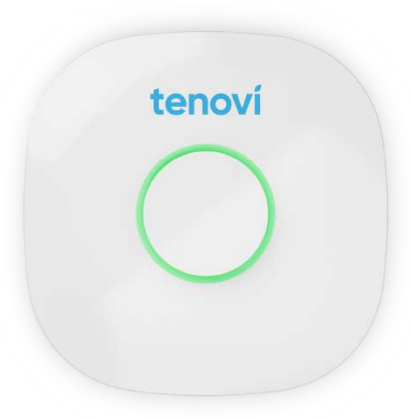
Resources for the Tenovi Cellular Hub / Gateway
- Tenovi Hub Quick Start Guide (attached)
Gateway Basics
- 1. Connect the Gateway power cord to an electrical outlet.
- 2. Plug the Gateway power cord into the Gateway
- 3. The Gateway LED will first flash PURPLE for up to 10 minutes.
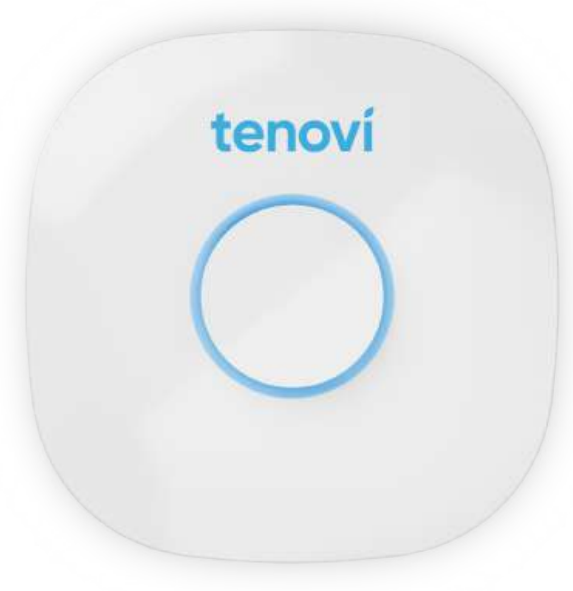
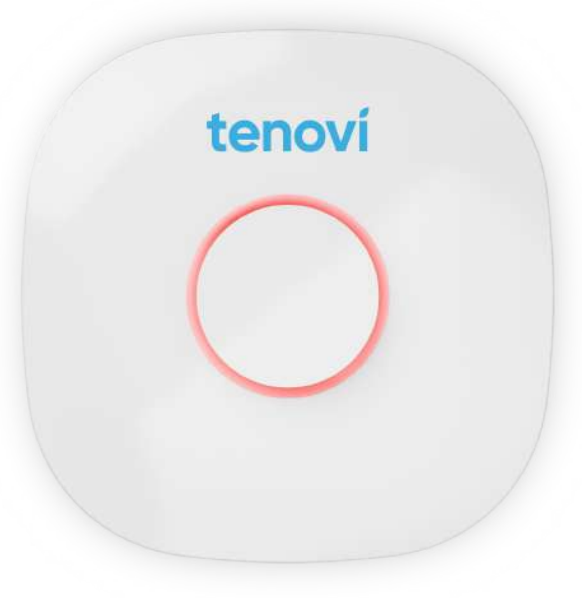
This means that the Gateway is trying to connect to a cell tower. Once connected to a cellular network, the Gateway will turn RED. If it goes RED and back to PURPLE , it’s looking for the strongest signal. The Gateway will go from PURPLE to BLUE if it can’t find a signal.
Taking A Measurement
- 1. Take a measurement with the Tenovi device(s) included with the Gateway.
- 2. When the Gateway is RED it’s ready for you to take your daily measurement. The Gateway LED will turn YELLOW while a measurement is being taken, and will flash GREEN when the measurement has been successfully transmitted.
- 3. The LED will remain GREEN for the remainder of the day, however you can take as many additional readings as necessary and all readings will transmit.
- 4. The LED will revert back to RED everyday at midnight, acting as a reminder to take a reading every day.
Gateway LED Segmentation
Looking for signal
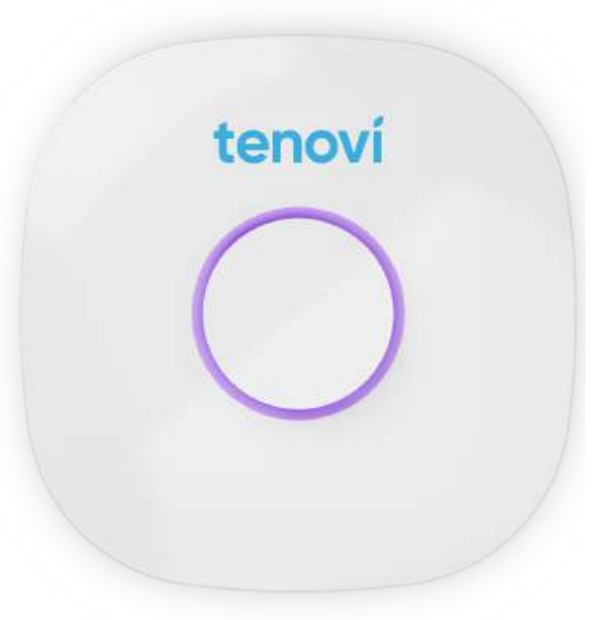
Found signal
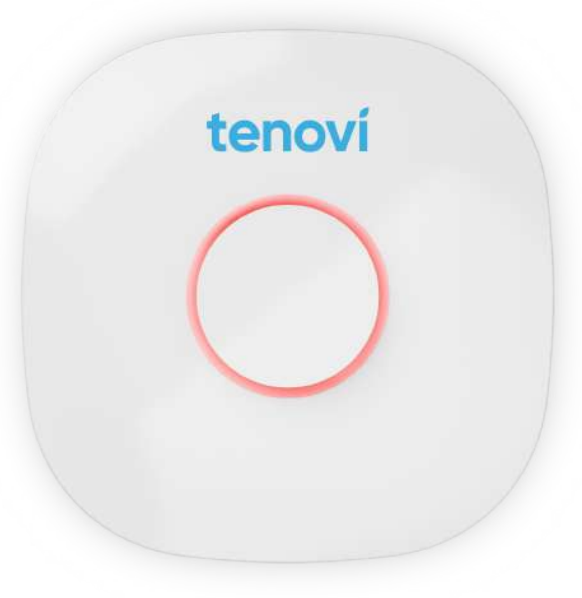
Unable to connect
Measurement needed
Measurement received